Samsung Employee Purchase Program India: How to Access Devices Through Your Employer

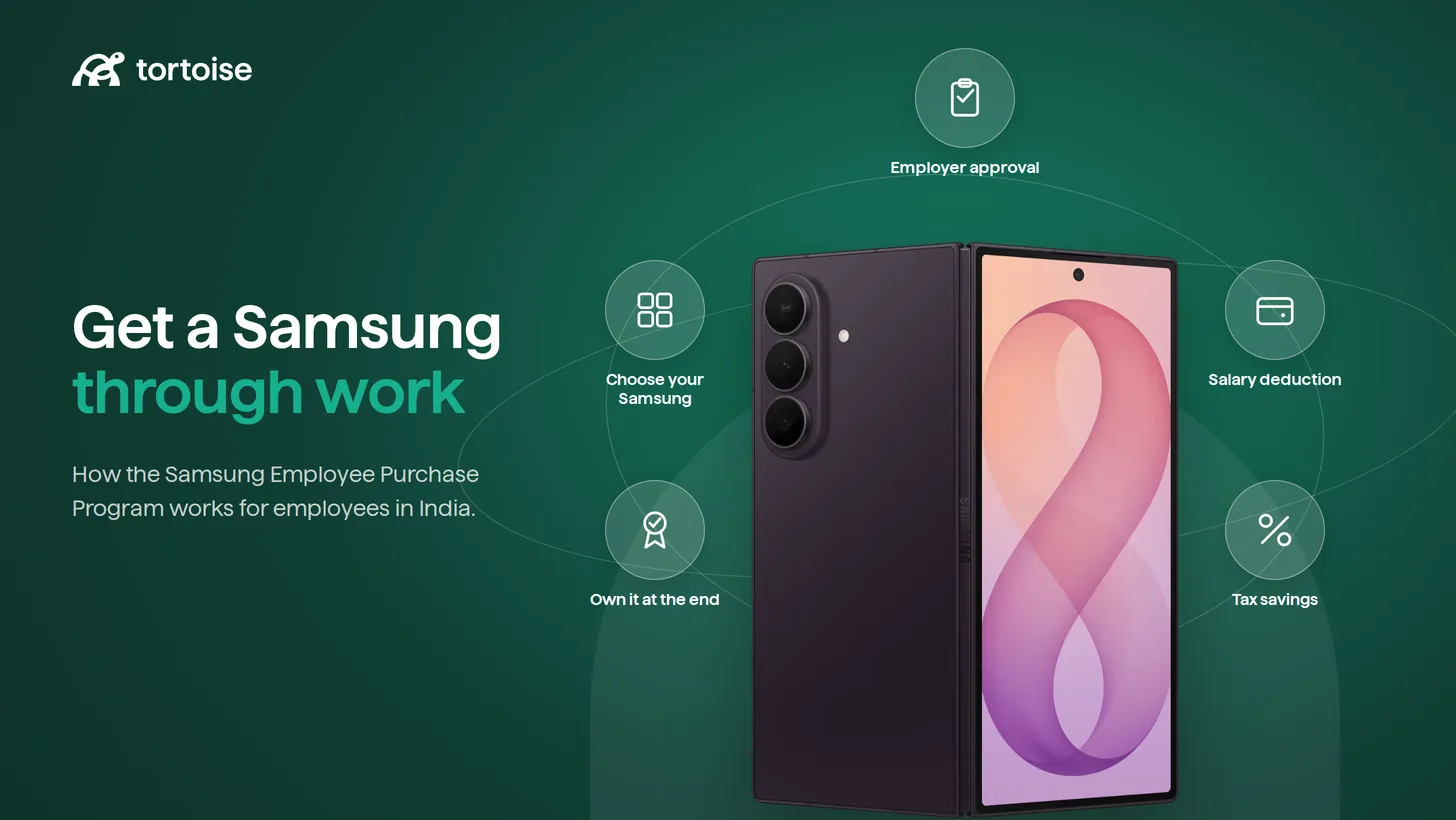
If you've heard colleagues talk about buying a Galaxy phone or laptop "through work" at a discount, they're probably talking about the Samsung Employee Purchase Program, now branded Corporate+ in India.
This is an employee access guide: how to log in, verify your work email, fix common access problems, and decide what to do if your employer is not enrolled. If you are looking at the HR or finance side of the same topic, read our separate HR guide to Samsung corporate discount in India
What is the Samsung Employee Purchase Program (EPP)?
The Samsung Employee Purchase Program, now called Corporate+ in India, is a B2B benefit that Samsung extends to employees of registered partner companies. Once your employer is on the program and you verify your work email, you get access to a dedicated online store with corporate pricing, EMI options, and a few extra perks that aren't available to retail shoppers.
You'll see it called both "EPP" and "Corporate+" depending on where you look, EPP is the older, more global term, while Corporate+ is Samsung's current India branding for the same program. If your HR team or a colleague mentions either name, they mean the same thing.
Who Can Access Samsung Corporate+ in India?
You're eligible if two conditions are met: your employer is registered as a participating company with Samsung, and you have an active official work email on that registered domain. That's it, there's no separate application form on your end beyond verifying that email.
A few things that trip people up here. Personal email domains: Gmail, Yahoo, Outlook.com, and so on, are never accepted, no matter how senior you are or how long you've worked somewhere.
And if your company runs a Bring Your Own Device (BYOD) policy rather than issuing company laptops and phones, you're still covered. Corporate+ works just as well for BYOD employees shopping for their own mobiles, laptops, tablets, and monitors.
How to Access the Samsung Employee Purchase Program: Step-by-Step
Here's the exact flow, start to finish:
- Go to the Corporate+ login page. Samsung runs this under a few different URLs (the main corporate store, a prelogin page, and a b2b-login page), which is part of why people get confused. Searching "Samsung Corporate+ login" or "Samsung EPP login" will get you there reliably.
- Enter your official work email ID. This has to be the email issued by your employer, it's also going to double as your username for the account going forward.
- Enter the OTP sent to your inbox. Samsung sends a one-time password to that same corporate email address to confirm you actually have access to it.
- Complete verification. Once the OTP is confirmed, Samsung checks your email domain against its list of registered companies.
- Land on your Corporate+ dashboard. From here you can browse smartphones, laptops, tablets, TVs, wearables, and appliances at corporate pricing.
- Pick your payment method and check out. Corporate+ typically supports No Cost EMI for up to 18 months alongside regular card and bank payment options, and you can opt in for a GST invoice at the shipping step if you need one for reimbursement or tax purposes.
Where exactly is the Samsung Employee Purchase Program login?
If you're specifically hunting for the login page rather than the general info page, know that Samsung India runs the actual sign-in form at a b2b-login URL, separate from the marketing/offers pages that show off deals and banners. Bookmark the login page itself once you find it, since the marketing pages redirect you there anyway but add an extra click.
Samsung Employee Purchase Program India Login: Common Problems and Fixes
Most login issues fall into a handful of predictable categories. Here's what's usually going wrong and what to do about it.
"My company isn't registered" message. This means your employer hasn't signed up with Samsung as a participating organization yet. You can't force this from your end, but you have two options: ask your HR or IT admin to register the company domain, or use the self-registration link on Samsung's offer page yourself, entering your work email there can sometimes kick off the process even before HR formally signs on.
OTP never arrives. This is often a corporate email security issue rather than a Samsung problem. Strict spam filters or mail gateways at larger companies sometimes block or quarantine Samsung's automated emails. Check your spam and junk folders first, and if it's still missing after a few minutes, ask your IT team to whitelist Samsung's sending domain.
You're a new joiner and it's not working. If your mailbox was only activated recently, your domain might not yet be reflected correctly in Samsung's verification system, or there might simply be a short lag. Give it a day or two after your first login to the company system, then try again.
Your company has multiple subsidiaries or brand names. Larger organizations sometimes operate under one legal entity with several consumer-facing brand names and email domains. If your specific domain isn't linked to the registered parent company, Corporate+ won't recognize it even though a sister brand is technically enrolled. HR or group IT usually needs to sort this out with Samsung directly.
You accidentally used a personal email. Simple but common, always double-check you typed your work email and not a personal one saved in autofill.
What You Get With Samsung Corporate+ (Quick Summary)
The Samsung corporate employee purchase program covers more than phones. Smartphones, laptops, tablets, smartwatches, earbuds, TVs, and home appliances can all appear in the same Corporate+ account, so it is worth browsing beyond the device that first sent you there.
Discounts are promotional and change frequently, Samsung's India launch of the rebranded program advertised up to 30% off across categories, and current listings show category-specific extra discounts (commonly in the 10–15% range) on top of ongoing sale pricing.
Beyond the discount itself, Corporate+ typically bundles in No Cost EMI up to 18 months, free delivery, and free or discounted accidental damage (ADLD) coverage on select models.
Don't assume Corporate+ pricing is automatically your best deal, though, check the trade-in bonus too. Hand in your old device at checkout, Samsung values it against current market rates, and that value comes off your final price on top of the corporate discount. Exchange values shift by model and condition, so compare the trade-in estimate against a retail exchange offer before you buy.
Before you buy, know this: EPP purchases are for personal use only and are tracked by IMEI or serial number. Annual purchase quotas and spend limits apply per calendar year, and reselling a device within 12 months of purchase can trigger a clawback of the discount you received.
It's built as an employee benefit, not a resale channel, so treat it as a way to buy a device for yourself, not a bulk-purchase route for family or friends.
Samsung Corporate+ vs Retail Offers vs Employer Device Leasing: Which Should You Choose?
Once you know how to access Corporate+, the next question is practical: should you use it, wait for a retail offer, or ask HR about a device leasing benefit? Here's the employee-level version:
| Samsung Corporate+ | Retail / Festive Offers | Employer Device Leasing | |
|---|---|---|---|
| Upfront cost | Full price minus discount, paid at checkout | Full price minus offer, paid at checkout | Usually zero upfront |
| Discount/EMI | Corporate discount + No Cost EMI up to 18 months | Bank cashback, exchange bonus, sale pricing | Monthly payroll deduction, spread over lease term |
| Insurance/protection | ADLD on select models only | Purchased separately | Often bundled (damage, theft, replacement) |
| Tax treatment | Paid from post-tax salary | Paid from post-tax salary | Can reduce taxable salary depending on structure |
| Best for | One-time purchase when employer is enrolled | Employer not enrolled, or a specific sale beats Corporate+ pricing | Ongoing benefit, tax efficiency, and built-in protection |
When Corporate+ wins: your employer is already enrolled, you want a straightforward one-time purchase, and the discount plus EMI comfortably covers what you need. It's the fastest path with the least paperwork.
When retail wins: your employer isn't on Corporate+ and isn't likely to register anytime soon, or a festive sale or bank cashback offer genuinely beats what Corporate+ is showing for that specific model. Compare prices side by side before assuming Corporate+ is automatically cheaper.
When employer-sponsored device leasing wins: you'd rather not pay full price upfront at all, you want your leased device cost spread through payroll in a way that's often more tax-efficient than a straight purchase, and you'd like insurance, theft cover, and device swaps bundled in without buying separate protection plans.
With employee device leasing, your employer sets the policy and the device benefit runs through payroll. Platforms like Tortoise usually handle the setup behind the scenes, so the employee experience is simpler: choose an approved device, pay through monthly deductions, get protection built in, and decide what to do with the device at the end of the term.
Let’s give your workforce the best benefits experience!
Over 50,000 employees are already enjoying their new devices with heavy savings. Get it for your workforce too
If Your Employer Isn't on Samsung Corporate+, What Are Your Options?
If Corporate+ is not available to you today, your strongest next move is to ask HR whether the company can offer a payroll-linked device leasing benefit. That is usually a better route than waiting for one more retail sale, especially if you want lower upfront cost, tax-efficient monthly payments, and insurance or care coverage built into the plan.
For you as an employee, the benefit is simple: instead of buying a device fully from post-tax salary, the lease rental may be deducted from your CTC before tax calculation, depending on how your employer structures the benefit and your applicable tax regime. That can reduce taxable income while spreading the device cost across the lease term.
For the employer, a leasing program can also be cleaner than individual purchase reimbursements or brand-by-brand employee portals. When set up correctly, it can run as a documented, tax-compliant salary-structuring benefit with invoices, payroll records, GST/tax treatment, and policy controls in place. Finance teams may also be able to claim eligible tax benefits on lease rentals, subject to their accounting treatment and professional advice.
You can still ask HR or IT whether they are willing to register the company for Samsung Corporate+, especially if many employees want Samsung devices. Retail bank offers and festive sales are worth checking too. But if the real goal is affordability, tax efficiency, and device protection, employer-sponsored leasing is usually the stronger conversation to start.
Platforms like Tortoise help companies set this up without making HR build the process from scratch. It allows HR teams to offer structured device leasing benefit with access, payroll convenience, compliance, and lifecycle support in one place.
The Bottom Line
Samsung Corporate+ is useful when your employer is enrolled and you want a straightforward one-time purchase. This guide should help you log in, verify your work email, and fix the common issues that block access. If your company is not enrolled, or if you would rather avoid upfront cost and get payroll-linked payments with device protection built in, ask HR whether a structured device leasing benefit is available.
Disclaimer: This guide is intended for general informational purposes only and should not be treated as legal, tax, payroll or accounting advice. Applicability of employee benefit laws in India depends on several factors, including the nature of the establishment, employee category, wage levels, location, headcount, employment terms and applicable central and state laws. Tax treatment of benefits may also vary depending on the structure adopted, documentation, payroll processing and the employee’s applicable tax regime. Employers should consult their legal, tax and payroll advisors before implementing or modifying any employee benefit programme.
Frequently asked questions
What is the Samsung Employee Purchase Program login page?
Samsung runs the actual sign-in separately from its marketing and offers pages. Search "Samsung Corporate+ login" to find the correct sign-in page, where you'll enter your work email and receive an OTP.
How do I check if my company is eligible for Samsung Corporate+?
Enter your official work email address on the Corporate+ offer or login page. If your employer's domain is registered, you'll receive an OTP and get access. If not, you'll typically see a message indicating your company isn't yet enrolled.
Why didn't I receive my Samsung EPP OTP?
Usually a spam filter issue on your company's mail server. Check your spam folder first, and if it's still missing, ask IT to whitelist emails from Samsung's Corporate+ system.
Can I use Samsung EPP if my company isn't officially registered?
Not directly, enrollment has to happen at the company level. You can try self-registering your domain via Samsung's offer page, or ask HR to formally sign up, but there's no individual workaround.
How many devices can I buy on Samsung EPP in a year?
Corporate+ applies annual purchase quotas and spend limits per product category, which reset each calendar year. The program is intended for personal use, so devices are tracked and reselling within 12 months can result in a discount clawback.
Is Samsung Corporate+ better than an employer device leasing program?
It depends on what you need as an employee. Corporate+ is faster if your employer is already enrolled and you want to buy one Samsung device outright. A leasing benefit tends to work better if you want lower upfront cost, payroll-linked deductions, possible tax efficiency, and insurance or device protection bundled into the benefit.
Written by
Founder & CEO
Vardhan Koshal is the Co Founder of Tortoise, India’s fastest growing employee device benefit platform. He has led India growth and product for companies like TripAdvisor and Udacity, and earlier founded Ridingo, a car pooling startup recognised by Forbes as one of the Hottest Global Startups and acquired by Carzonrent. At Tortoise he works with HR leaders, CFOs and tax experts to design compliant, high impact device benefit programs for Indian employers.